Huffman Coding based File Compression Tool with XOR Encryption — built in C++ with a clean web GUI.


🔗 Live Demo: file-compression-tool-neon.vercel.app
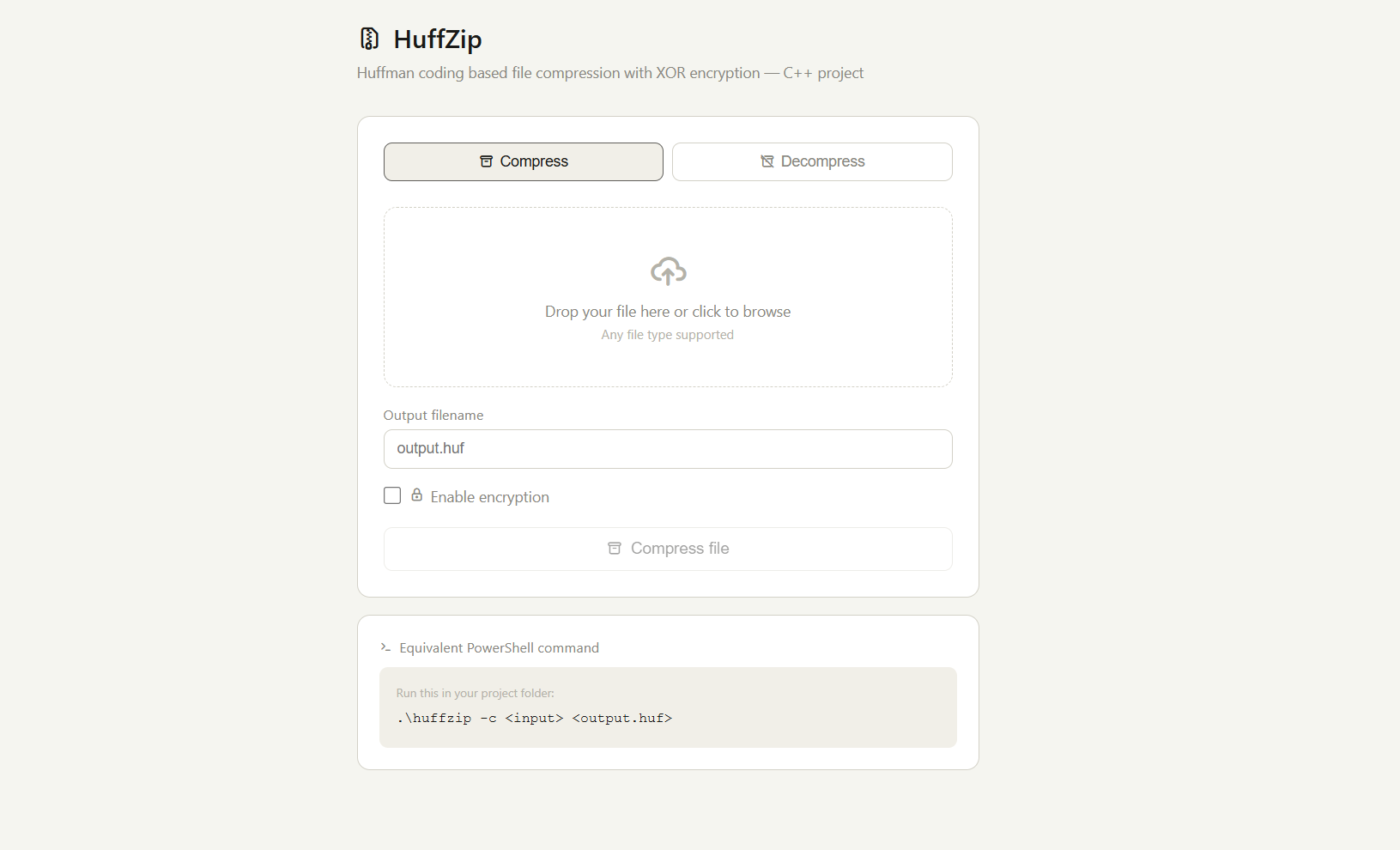
- 🧠 Huffman Coding Algorithm — optimal lossless compression
- 🔐 XOR Encryption — optional file encryption on compress
- 📁 Any file type supported — text, binary, images
- 💻 Web GUI — drag & drop interface with live PowerShell command preview
- 📦 Compress & Decompress — full round-trip support
| Layer | Technology |
|---|---|
| Algorithm | Huffman Coding (C++) |
| Encryption | XOR Cipher (C++) |
| Frontend | HTML + JavaScript |
| Build | Makefile |
| Deployment | Vercel |
# Clone the repo
git clone https://github.com/snehal-thombare08/File-Compression-Tool.git
cd File-Compression-Tool

# Build
make

# Compress a file
.\huffzip -c input.txt output.huf

# Decompress a file
.\huffzip -d output.huf restored.txt

# Compress with encryption
.\huffzip -c input.txt output.huf --encrypt- Open file-compression-tool-neon.vercel.app
- Select Compress or Decompress tab
- Drop your file or click to browse
- (Optional) Enable encryption
- Click Compress file — download output
Snehal Thombare — GitHub